CATSEN

The new CEO has paws.

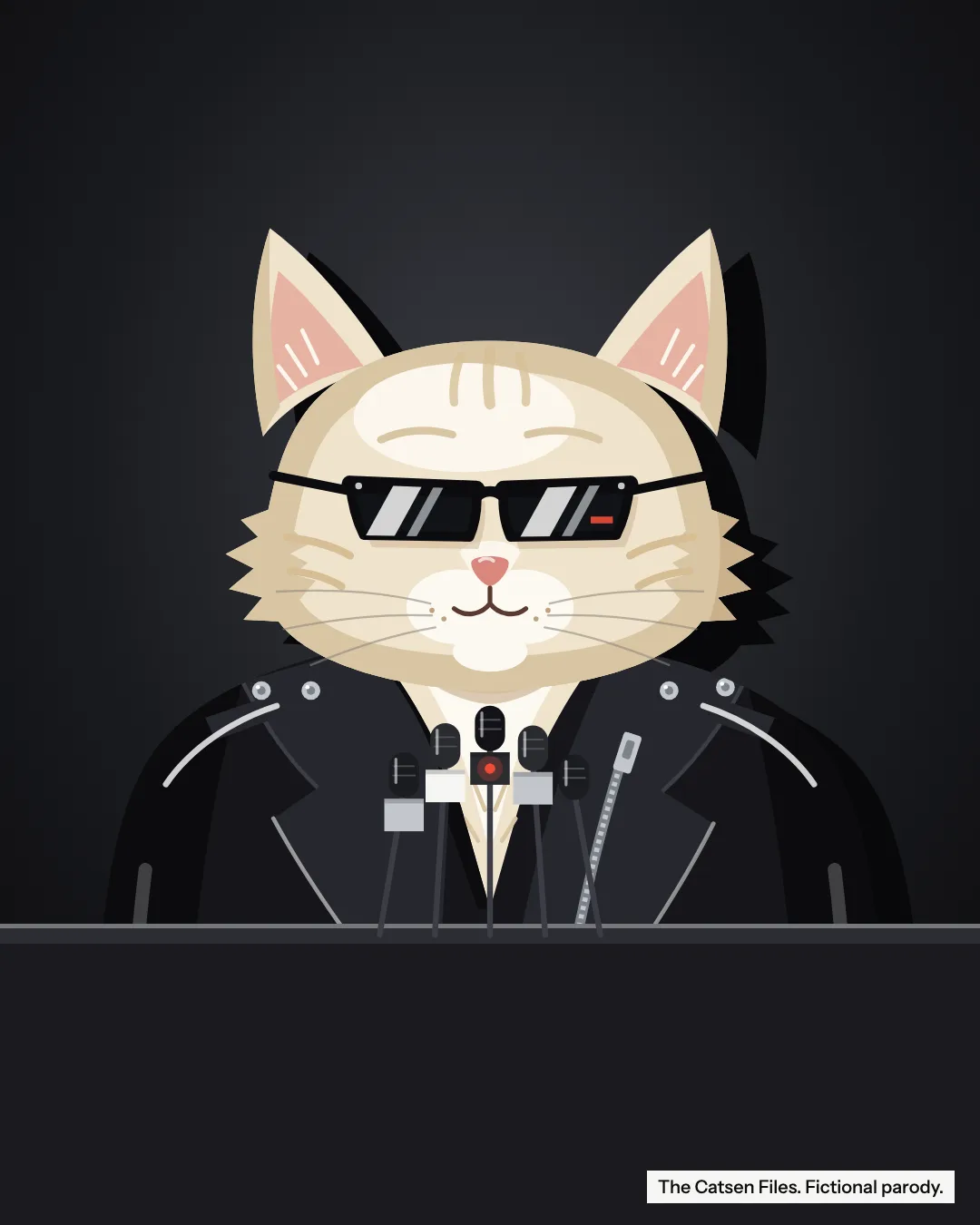
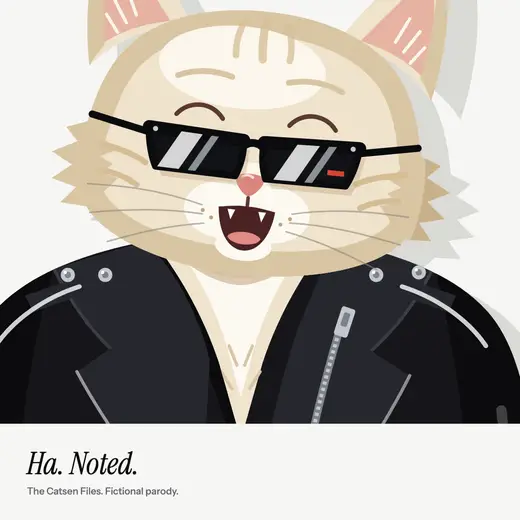
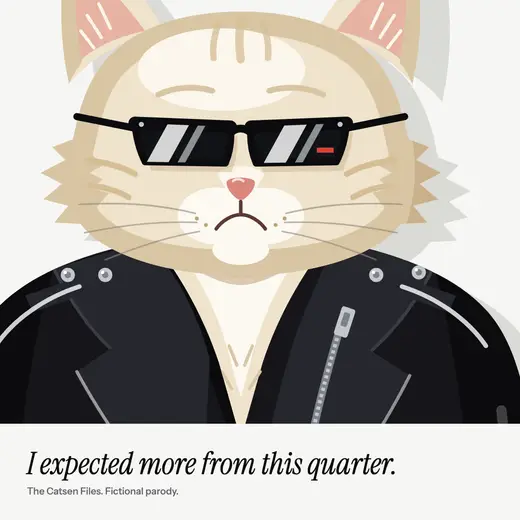
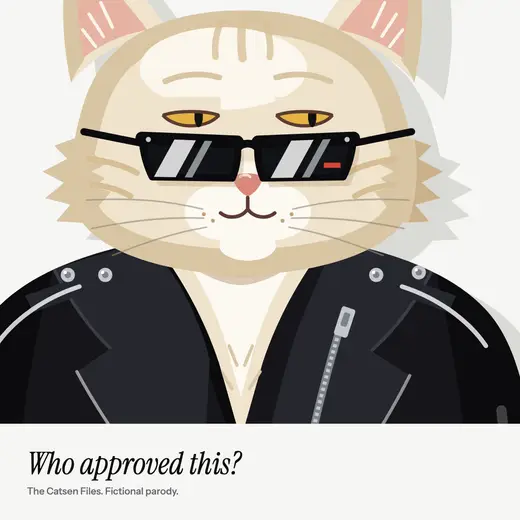
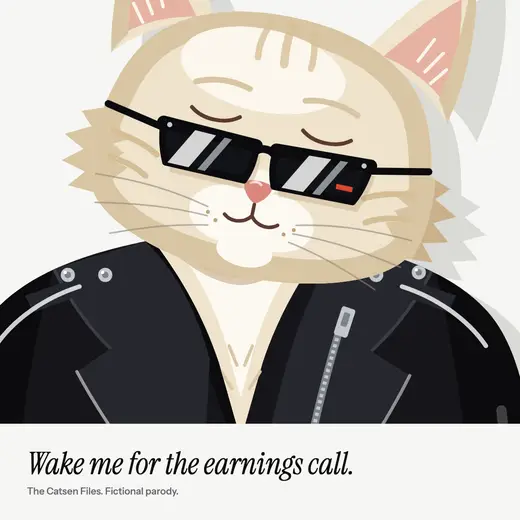
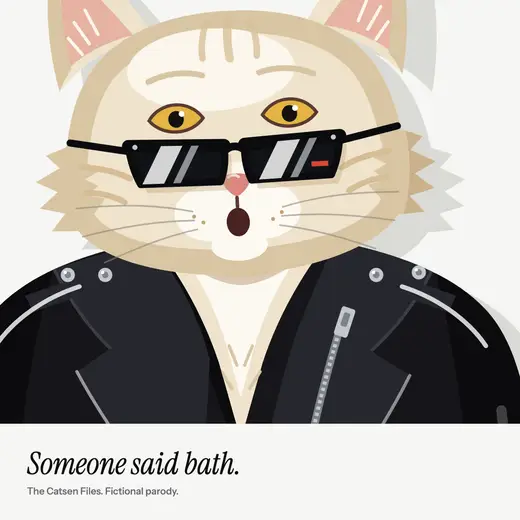
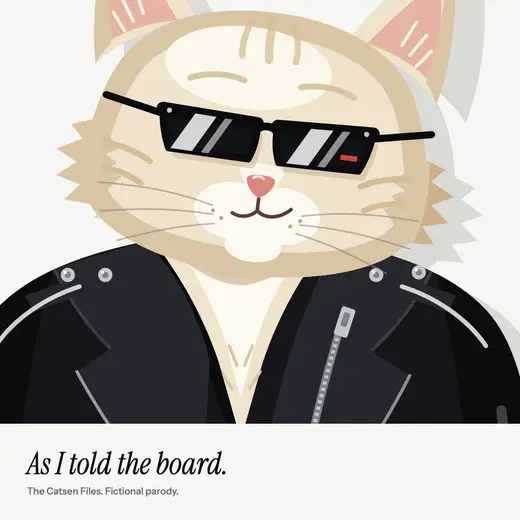
Catsen Huang: a cream cat in a black leather jacket and narrow sunglasses.
Fig. 1. The appointee, photographed against his will.

Fictional appointment
Not board approved

An unofficial announcement.

The internet reviewed the situation and appointed a cat.

His name is Catsen Huang. Yes, he has the jacket.

Open the file

File 001. Who is Catsen?

One jacket. Nine lives. Zero explanations.

The internet gave a cat a leather jacket. Then it gave him executive authority.

He has never released a chip, attended an earnings call, or explained his compensation package.

He has, however, mastered the art of looking extremely important.

Catsen Huang never left. The board did.

Parody. Not a corporate announcement.

An internet joke. Not an actual corporate announcement.

Meanwhile, the press has questions.

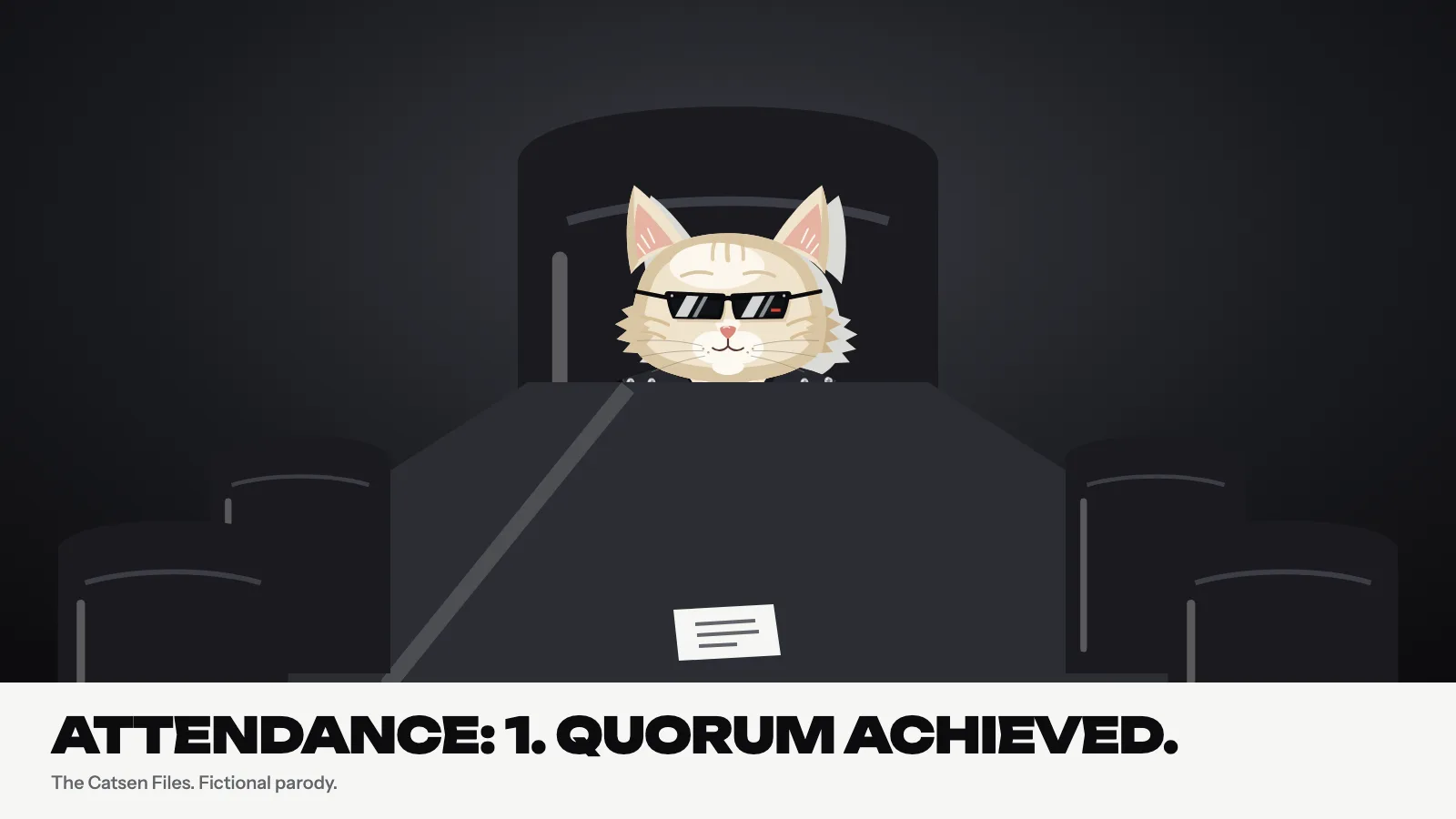
Seen from the press pit: Catsen behind a desk of microphones, photographers' heads in the foreground.

The press has questions.

Unfortunately, the CEO is a cat.

The public archive.

The internet has been very busy.

The CEO has approved these images. By sitting on the keyboard.

Open the archive

Onchain record, $CATSEN.

The cat has a ticker.

$CATSEN is a meme token on Robinhood Chain. No promised utility. No ownership in NVIDIA. Just the internet's unofficial CEO.

Talent headshot: Catsen Huang

Talent and asset release

The Catsen Files, unofficial executive office

Prelaunch: no contract published

Talent
Catsen Huang, fictional cat
Token name
Not yet published
Ticker
$CATSEN (no contract yet)
Network
Robinhood Chain, chain ID 4663
Contract
Not yet published
Launch
Not yet published
Pairing asset
Not yet published
Total supply
Not yet published
Fees
Not yet published

Contract, trading and chart links appear here only after the launch transaction is verified onchain. Until then, no address posted anywhere is official. How the record is verified

Signed with a paw. Witnessed by nobody.

Call sheet. Call time: whenever the cat wakes up.

Three steps. No board approval.

  1. Get a wallet

    Use a wallet that supports Robinhood Chain and add the network if it isn't listed. Wallet steps differ, so follow your wallet's own guide.

    Robinhood Chain network settings (opens in a new tab)
  2. Fund it

    You'll need the launch's pairing asset on Robinhood Chain. Which asset that is gets published with the verified contract, so don't move funds yet.

  3. Verify and open

    Once the contract is verified, check the address against this page, review the fees and risks, then open the trading venue linked here.

Onchain transactions can't be reversed. Meme tokens are volatile and can lose all their value. Only use money you can afford to lose, and never share your recovery phrase.

Catsen looks straight into the camera.

Meeting adjourned.

The CEO has another appointment with his pillow.